
Tutorials
How to Get a Daily AI Briefing (No Coding Required)
Set up a personalized AI briefing that arrives every morning — covering exactly the sources and topics you choose. Step-by-step, no coding needed.
Daigest Team2026.04.04

Daigest automatically monitors your connected sources and curates only the information you need—powered by AI. In this guide, we'll walk you through how to get started with Daigest step by step.
To get started with Daigest, you'll first need to create an account.
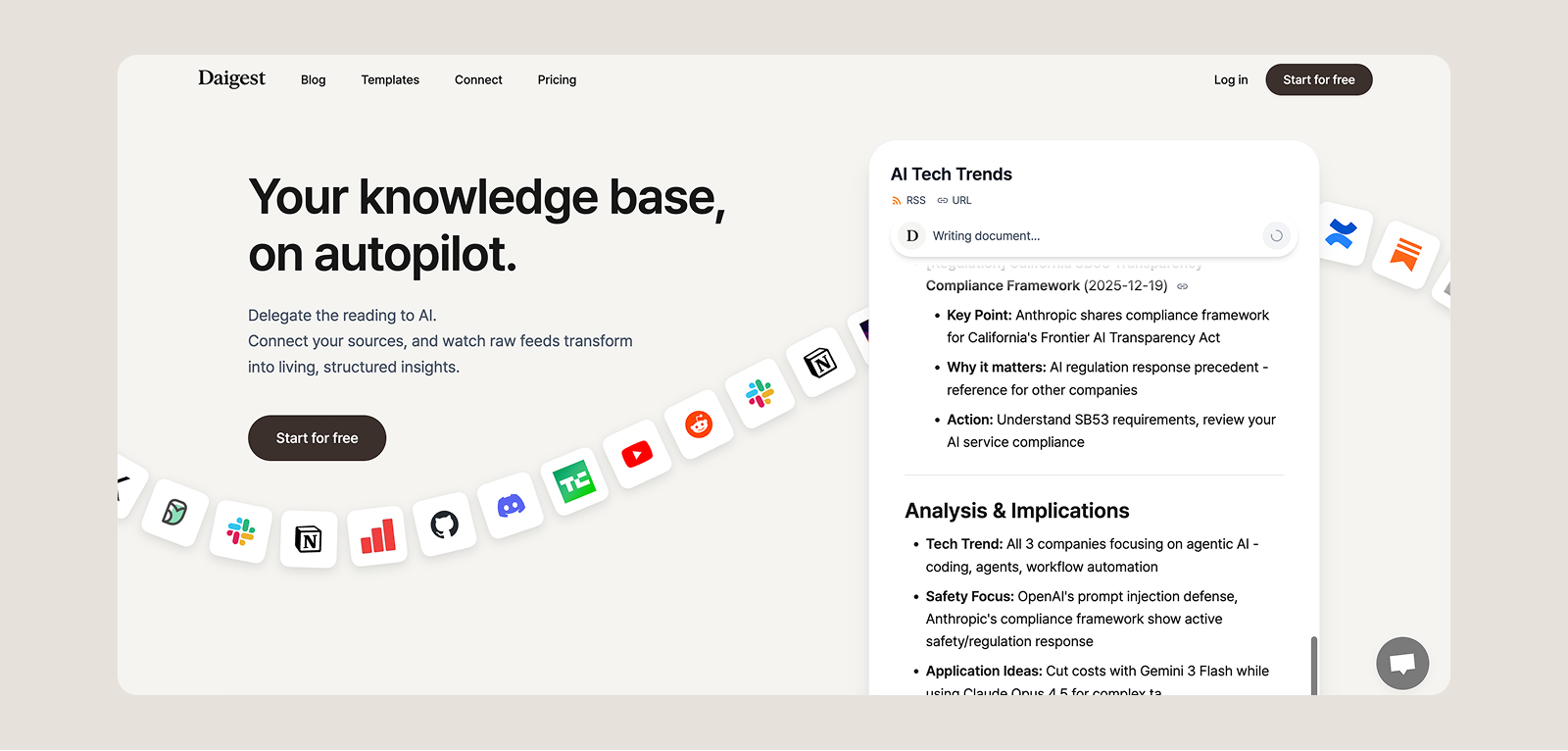
Once you've created an account, you can start writing your first feed right away.
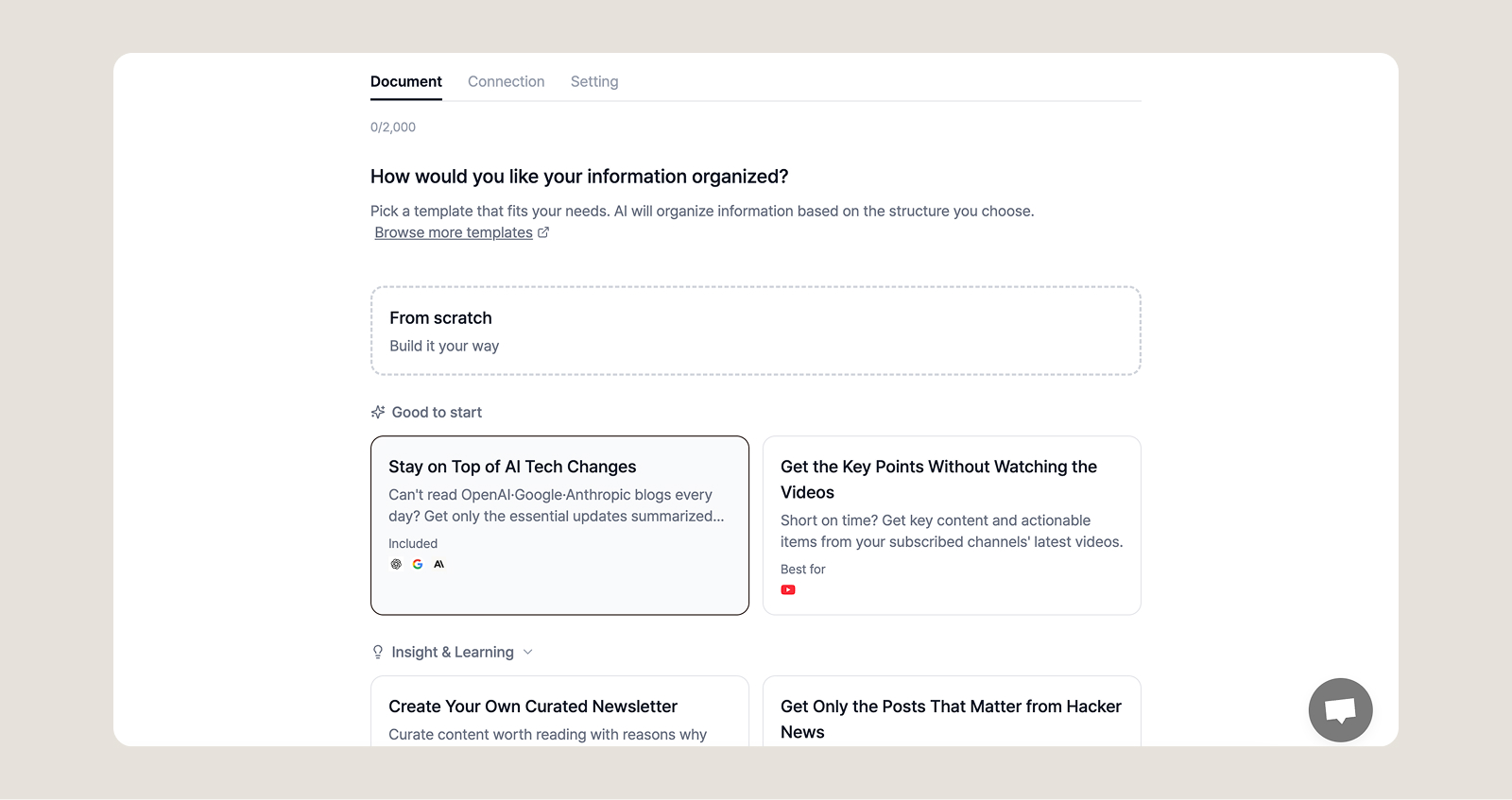
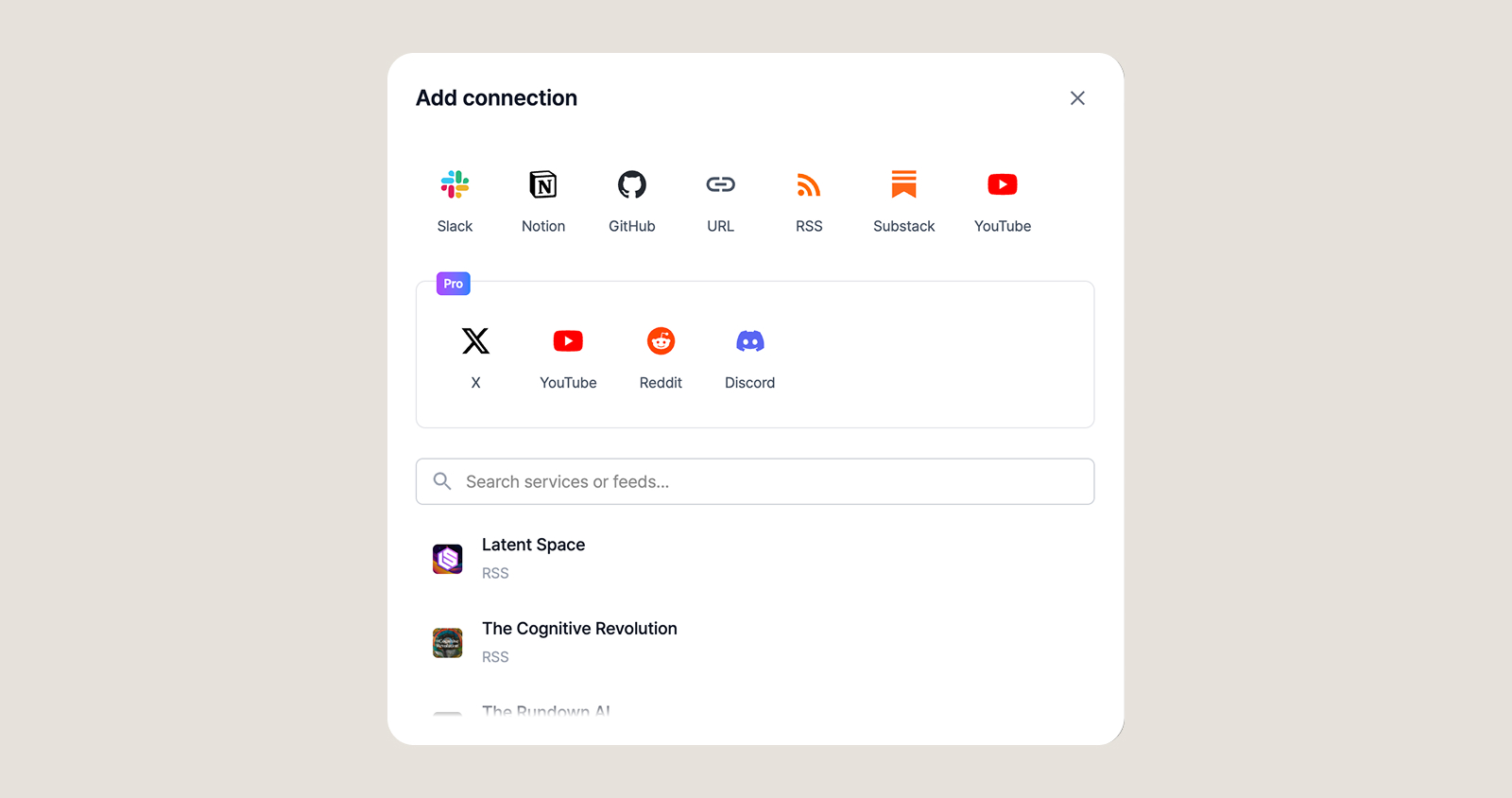

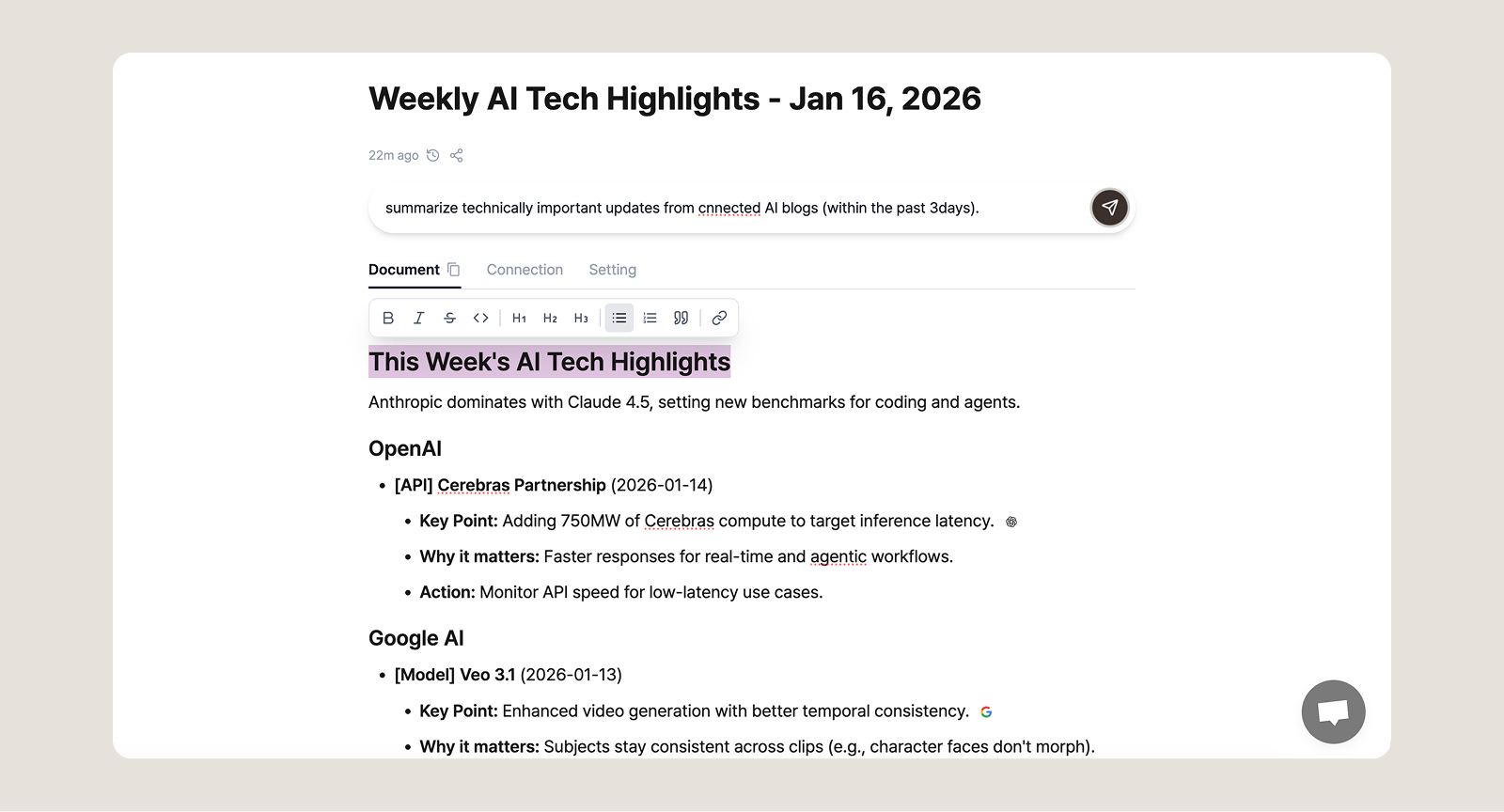
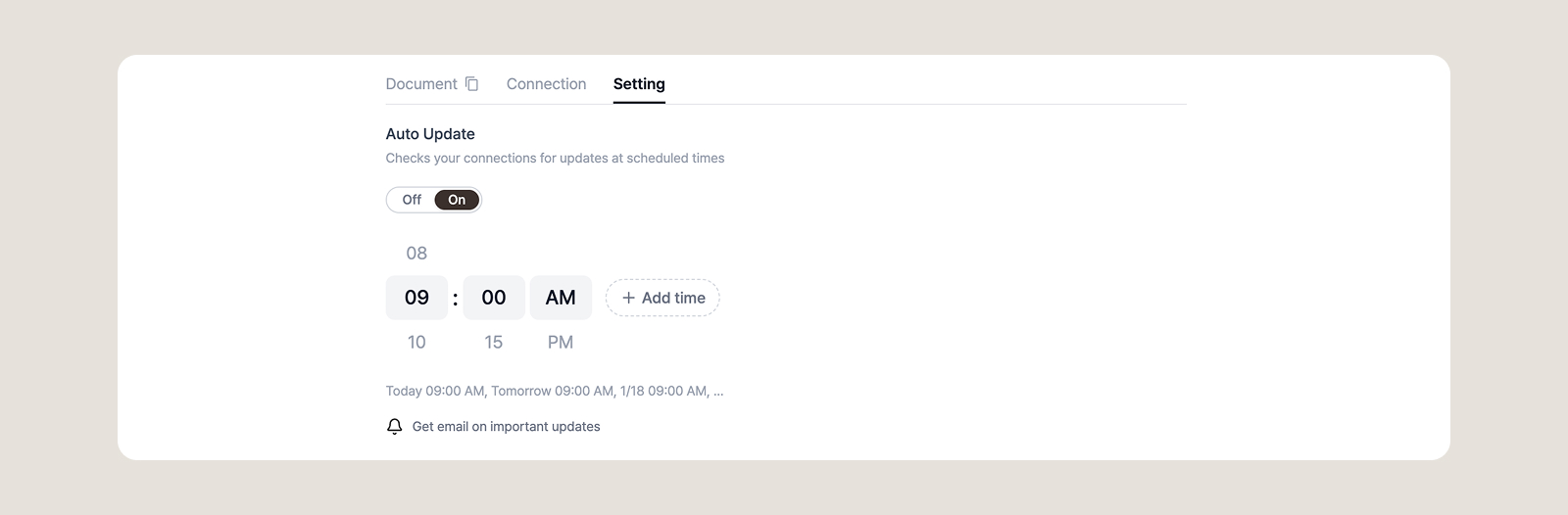
You can automatically update your feed at scheduled times. Automate your information collection.
You've now explored all the basic features of Daigest. Start your monitoring automation journey with ease! If you have any questions, feel free to contact us at [email protected].
Set up a personalized AI briefing that arrives every morning — covering exactly the sources and topics you choose. Step-by-step, no coding needed.

Not sure which sources to add to your briefing? Topic pages have them pre-organized by subject. Browse, pick, and add.

AI newsletters are curated by someone else. RSS readers require you to do the reading. Source briefings let you pick your own sources and have AI generate a briefing from exactly what you care about. 5 minutes to set up, 3 minutes to read.
Overwhelmed by information? Daigest organizes it for you
Try Free