
Tutorials
How to Get a Daily AI Briefing (No Coding Required)
Set up a personalized AI briefing that arrives every morning — covering exactly the sources and topics you choose. Step-by-step, no coding needed.
Daigest Team2026.04.04

When AI agents search the web, they risk hallucination. Daigest takes a different approach: agents subscribe to trusted sources and receive pre-summarized, factual context on demand. Install the Daigest skill in Claude Code and your agent can query, create, and sync feed data directly via API.
You can complete the setup in 2 steps from Account Settings → API Keys.
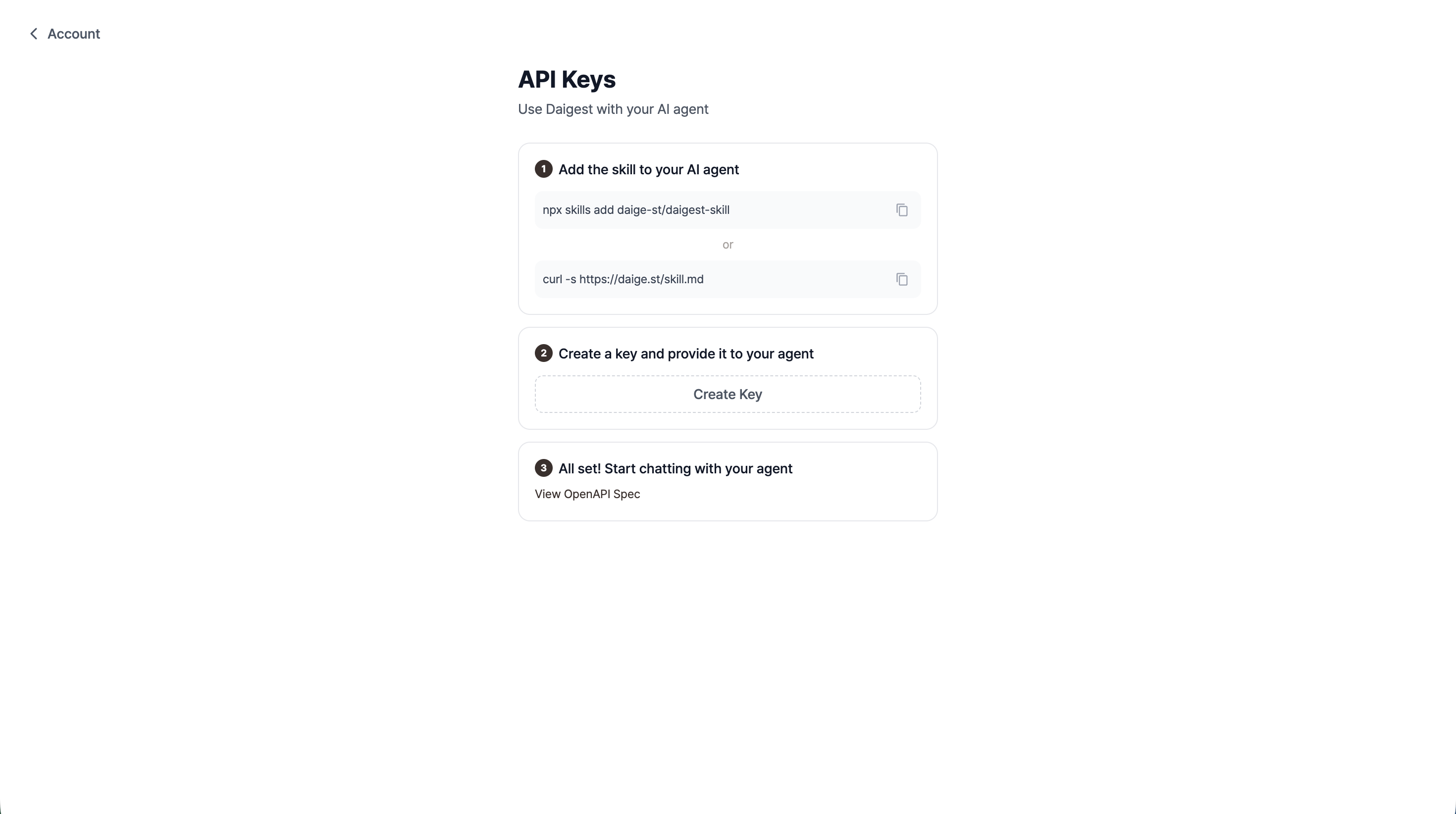
Install the Daigest skill from the Claude Code terminal:
npx skills add daige-st/daigest-skill
Or fetch the skill documentation directly to pass to your agent:
curl -s https://daige.st/skill.md
Once installed, Claude Code understands the Daigest API and can use feed data as context.
Click Create Key to open the key creation modal.
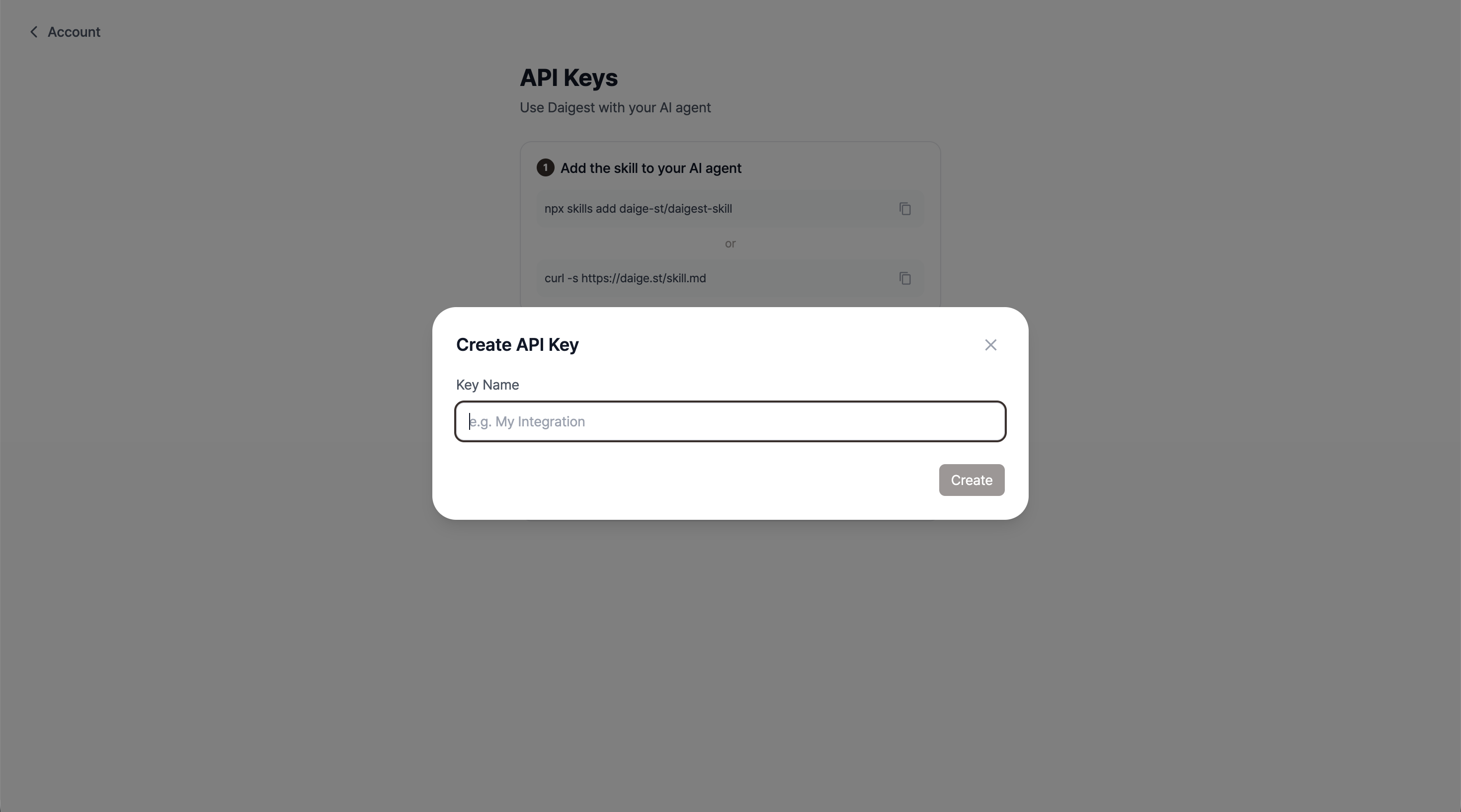
Enter a name for the key and click Create. Your key starting with dk_live_ will be generated.
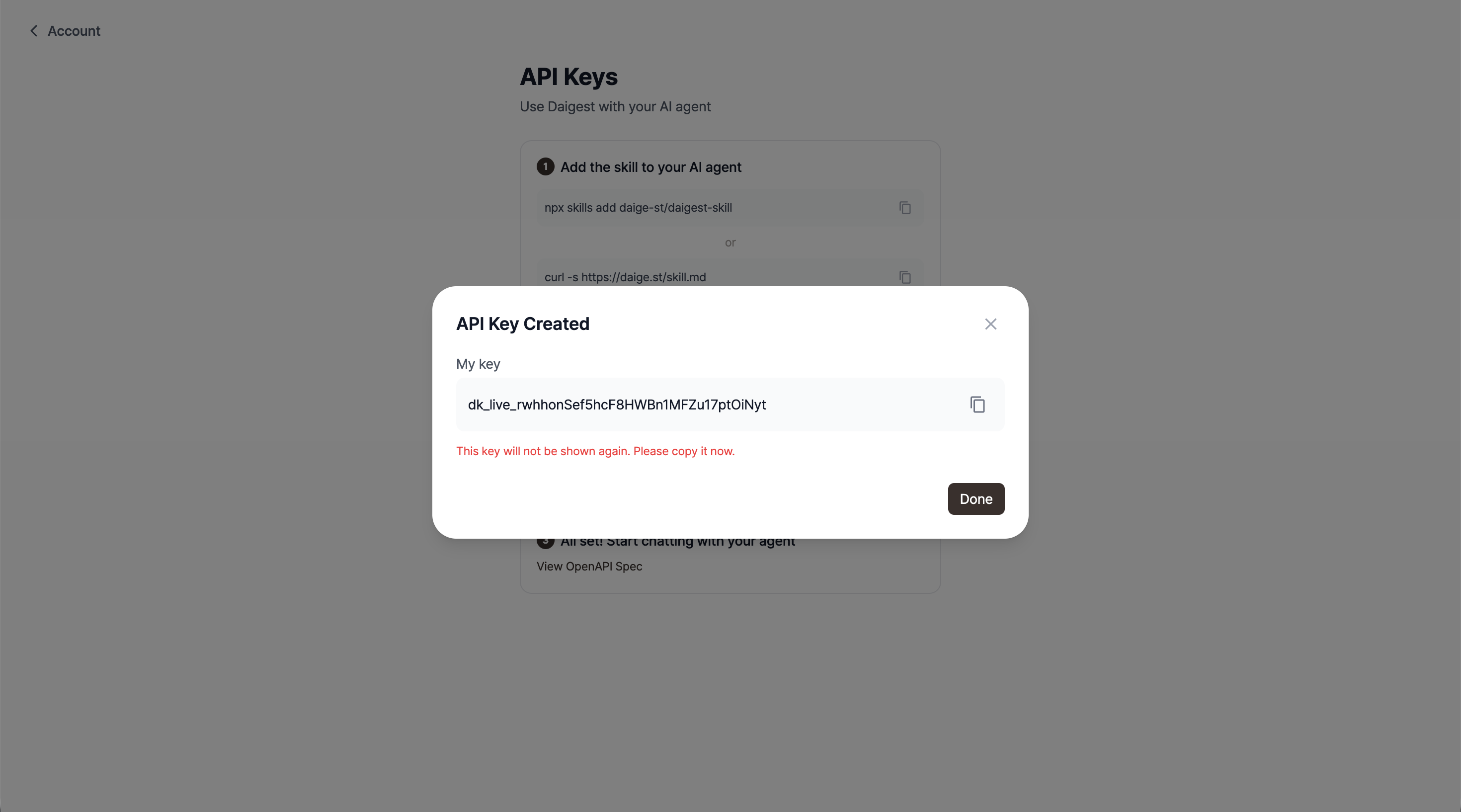
The API key is only shown once. Copy it somewhere safe immediately.
Provide the key to your agent and you're ready to go.
If feeds are already set up in the web app, agents can query them immediately:
Get my feed list and show me the latest content from the "Competitor Monitoring" feed
What the agent runs internally:
GET /feeds                              → find the relevant feed
GET /feeds/{id}?since=2026-02-20T00:00Z → check for updates
If has_changes: false, skip. If true, use the content as context.
Agents can create feeds on the fly when they need context on a new topic:
Create a feed for the latest AI news, sync it now, and show me what's in it
What the agent runs:
POST /feeds
{
  "name": "AI News Digest",
  "memory": "Summarize the latest AI news. Highlight new model releases and benchmark results.",
  "connections": [
    { "type": "rss", "url": "https://example.com/ai-feed.xml" }
  ]
}

POST /feeds/{id}/sync   → takes 30s to 5min, consumes AI quota
When the AI curates information itself and wants to store it as a feed:
Save my research into a "Research Notes" feed and publish it as a post
POST /feeds { "name": "Research Notes" }

PATCH /feeds/{id}
{ "content": "# Agent-curated content\n\n..." }

POST /feeds/{id}/posts   → publish as a snapshot (once per 15 min)
Sync my competitor monitoring feed now and pick out any product launches
or pricing changes from this week's updates
Get all feeds updated today and give me the 5 most important updates,
one sentence each
Create a new feed with 2 LLM benchmark RSS sources and set it to
auto-update every day at 9am
Add AI summarization instructions in memory when creating a feed to get more useful context:
| Purpose | Example |
|---|---|
| Language | "Write the digest in Korean." |
| Focus | "Focus on product launches and pricing. Ignore job postings." |
| Format | "Use bullet points grouped by topic." |
| Audience | "Write for a technical audience. Be concise." |
Yes. The skill is just documentation that teaches the agent how to use the API. With an API key, you can call any endpoint directly from any HTTP client. You can also auto-generate tools from the OpenAPI spec at GET https://daige.st/api/v1/openapi.json.
Each sync consumes an AI quota request. Use GET /feeds/{id}?since=... to check for changes first, and only process when has_changes: true. For regular updates, set a schedule instead.
RSS and URL sources can be added directly via API. OAuth-based sources (Slack, Notion, GitHub, Discord, etc.) need to be connected first in the web app, after which you can read and sync feeds containing them via the API.
Set up your feeds on Daigest and start using them with your AI agent today.
Set up a personalized AI briefing that arrives every morning — covering exactly the sources and topics you choose. Step-by-step, no coding needed.

Not sure which sources to add to your briefing? Topic pages have them pre-organized by subject. Browse, pick, and add.

AI newsletters are curated by someone else. RSS readers require you to do the reading. Source briefings let you pick your own sources and have AI generate a briefing from exactly what you care about. 5 minutes to set up, 3 minutes to read.
Overwhelmed by information? Daigest organizes it for you
Try Free