
Tutorials
How to Get a Daily AI Briefing (No Coding Required)
Set up a personalized AI briefing that arrives every morning — covering exactly the sources and topics you choose. Step-by-step, no coding needed.
Daigest Team2026.04.04

Have you ever had to scroll endlessly through your team's Slack channels to find important conversations? With Daigest's Slack integration, you can automatically turn important discussions into organized documents.
Daigest uses AI to analyze conversations from your selected Slack channels:
Create a new document and choose a template that supports Slack.
You can also start from scratch and configure it however you like.
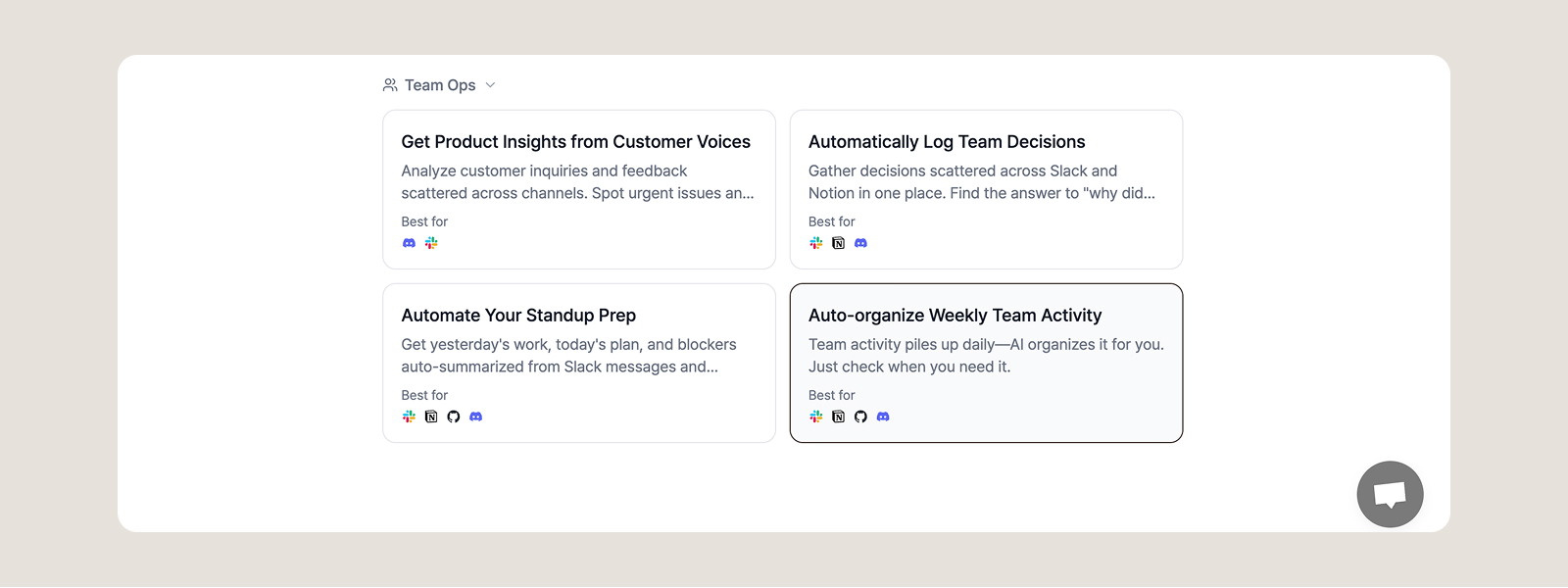
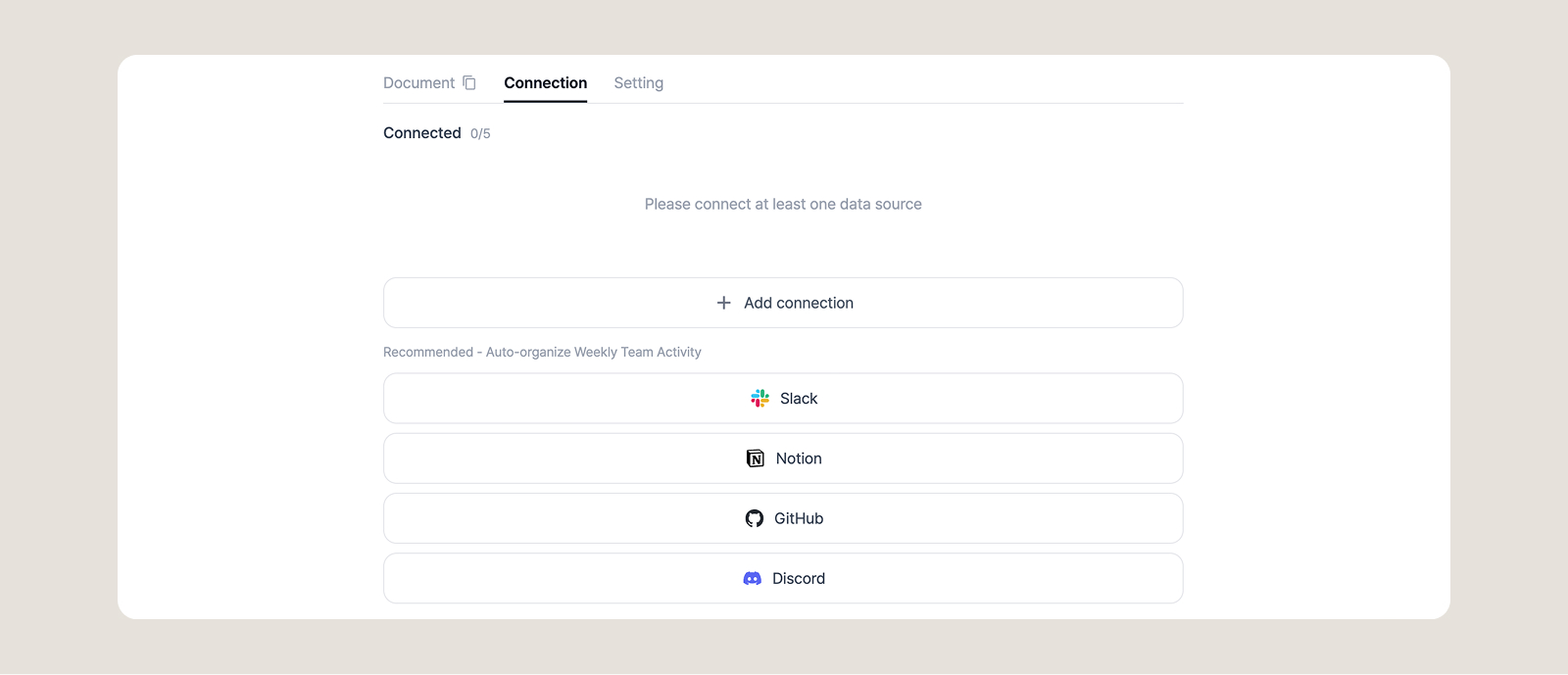
Select Slack from the Connections tab, then log in to Slack and authorize the permissions.
Once connected, select the channels you want to monitor:
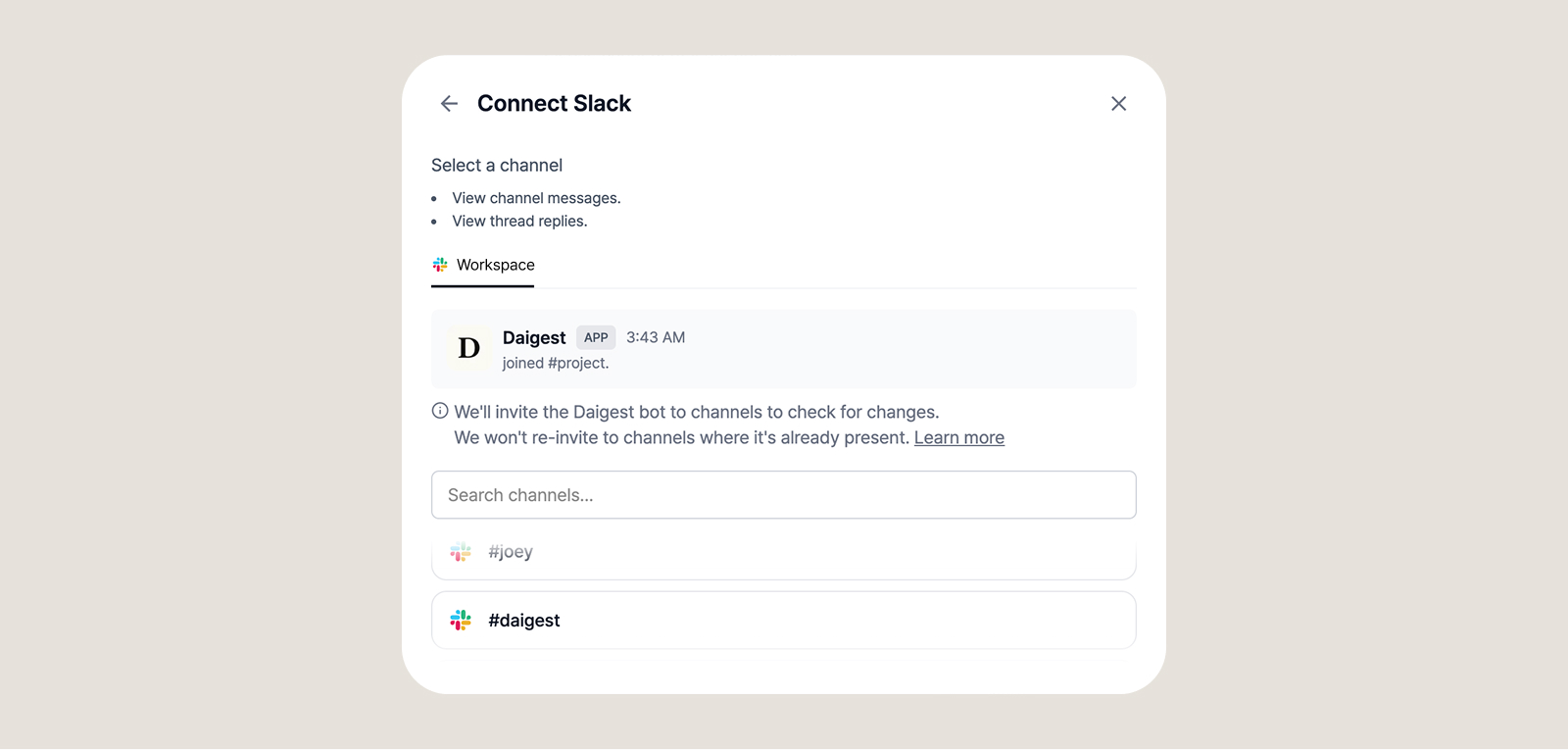
Enter the following command in the private channel's chat:
/invite @Daigest
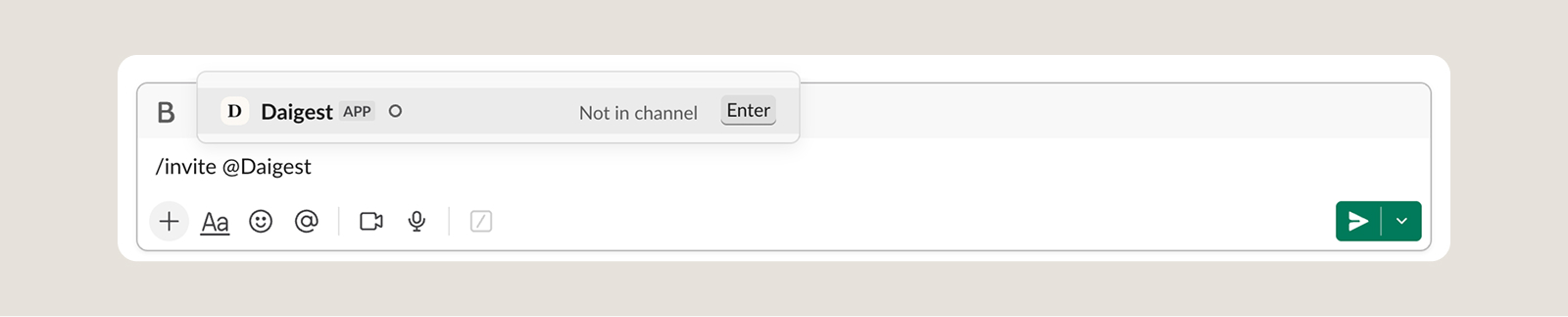
The Daigest bot will be added to the channel.

Ask the AI agent to create a document in your desired format:
"Create a weekly report summarizing this week's team activities"
"Organize this week's #product channel discussions by topic"
"Summarize the important decisions made during the last sprint"

Set up a schedule to automatically update at a specific time each week.
Create separate documents for each project channel to manage history.
Create onboarding documents that summarize key channel content for new team members.
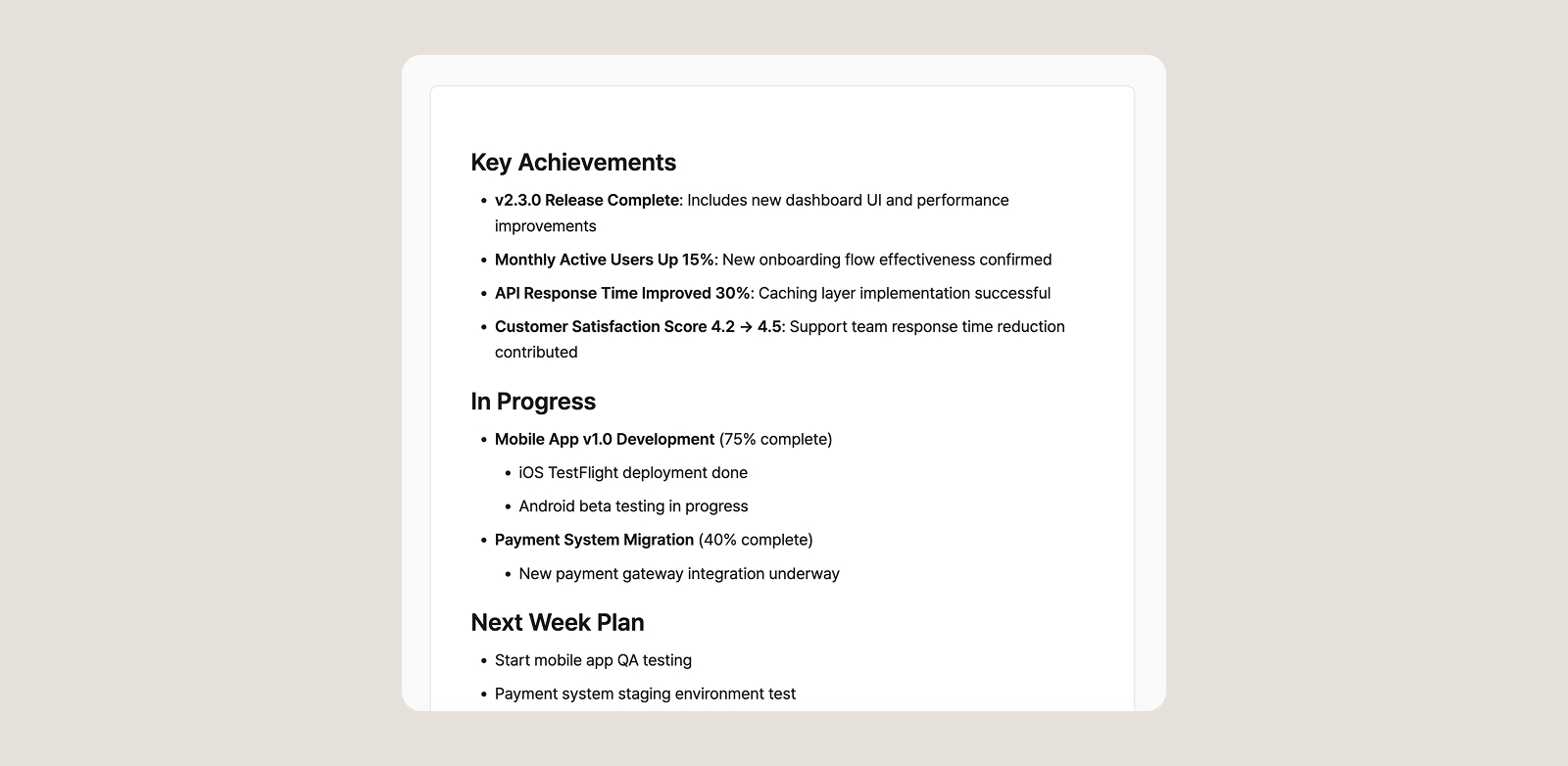
Text messages from selected channels are collected. Files and images are referenced by title only.
Yes, you can connect private channels by inviting the Daigest bot to them.
Slack tokens are encrypted and stored using Cloud KMS, and document content is only accessible to you.
By systematically documenting your team's communication through Slack integration, you can reduce time spent searching for information and boost your team's productivity.
Start your Slack integration with Daigest today!
Set up a personalized AI briefing that arrives every morning — covering exactly the sources and topics you choose. Step-by-step, no coding needed.

Not sure which sources to add to your briefing? Topic pages have them pre-organized by subject. Browse, pick, and add.

AI newsletters are curated by someone else. RSS readers require you to do the reading. Source briefings let you pick your own sources and have AI generate a briefing from exactly what you care about. 5 minutes to set up, 3 minutes to read.
Overwhelmed by information? Daigest organizes it for you
Try Free